Jan 30, 2026
OpenClaw: The “AI That Actually Does Things” (Formerly Clawdbot/Moltbot)
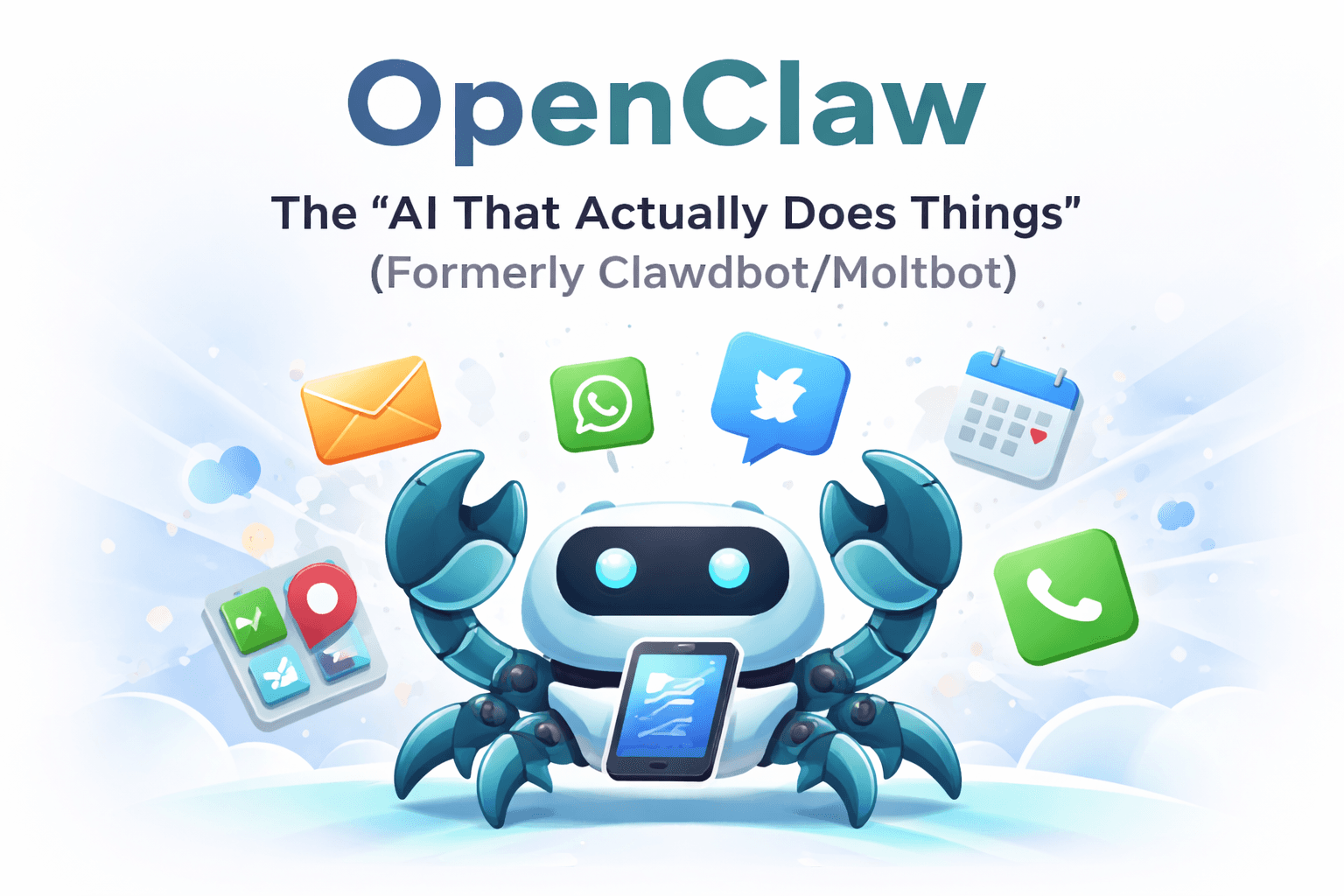
OpenClaw (formerly Clawdbot, later Moltbot) is a self-hosted personal AI assistant—an “AI that actually does things.” Instead of just chatting, it can connect to your tools (email, calendar, messaging apps like WhatsApp/Telegram, and more) and run real workflows on your behalf. In this guide, we’ll explain what OpenClaw is, what it can do, how it works, and the key security/privacy considerations to know before you deploy it.
What is Clawdbot (and why is it now called Moltbot / OpenClaw)?
Clawdbot is a self-hosted personal AI assistant (an “AI agent”) designed to do more than chat. Instead of only answering questions, it can connect to everyday tools and take actions on your behalf—like scheduling, messaging, and running task workflows.
The reason you’ll see multiple names is simple: Clawdbot was renamed to Moltbot after the project received a trademark-related request, and it has since shifted branding to OpenClaw.
How Clawdbot/Moltbot (OpenClaw) works under the hood
At a high level, OpenClaw is a locally run AI agent you operate on your own hardware (or a server). It’s built to combine a chat interface with integrations that let it execute workflows.
Here’s the basic architecture in plain English:
Runs on your device (or a machine you control), which is why people call it “self-hosted.”
Chat-first control plane: you can interact with it from channels like WhatsApp, Telegram, Slack, Discord, Signal, iMessage, and more (depending on configuration).
Model provider routing: it can be configured to use providers such as Anthropic, OpenAI, and Google.
Skills / extensibility: it supports “skills” and integrations that expand what it can do.
Guided onboarding: the project emphasizes a guided setup flow to configure channels and skills.
OpenClaw is essentially a personal assistant with “hands”: it chats where you chat, and it can also run tools and automations on your machine.
What it can do (real-world use cases)
This is what most people mean when they say Clawdbot/Moltbot is an “AI that actually does things.”
Everyday personal assistant tasks
Email triage and drafting replies (where configured)
Calendar management, reminders, and scheduling actions
Travel workflows like “check me in for my flight” (as marketed)
“Agentic” tasks (the reason it went viral)
Handling repetitive admin faster than a typical chatbot
Filling out forms in a browser and completing multi-step workflows
With permission, reading/writing files, running shell commands, and executing scripts
Multi-device / multi-channel convenience
Because it can live inside messaging apps, you can delegate tasks from your phone without switching tools—one of the main reasons it’s gained attention.
How to set it up (high-level)
If you want to try it, most people start by following the project’s guided setup:
Use the onboarding wizard / guided setup process
Choose where to run it (local machine or VPS)
Configure your chat channels (WhatsApp/Telegram/etc.)
Add only the skills/integrations you actually need
A practical approach is to start isolated (a separate machine or VPS) while you test, then tighten permissions and integrations as you learn how it behaves.
Security, privacy, and what to watch out for
Any AI agent that can take actions carries risk—especially if it can run commands, access messages, or connect to services.
It can execute actions: The key value proposition (doing tasks) is also the core risk. If an agent has broad permissions, mistakes—or manipulation—can have real consequences.
Prompt injection (direct + indirect): One of the most discussed risks is prompt injection. If the agent ingests untrusted content (emails, web pages, documents), it can be tricked into following instructions that weren’t intended by you.
Exposure risks: Recent coverage has highlighted scenarios where dashboards/panels or secrets (like API keys) can be accidentally exposed if deployments aren’t hardened.
Watch for impersonation/scams
When projects go viral and rename quickly, scammers often create lookalike repos and fake downloads. Stick to official sources and verify links before installing anything.
FAQ:
Is Clawdbot the same as Moltbot / OpenClaw? Yes—Clawdbot was renamed to Moltbot, and the project now brands as OpenClaw.
Does Clawdbot run locally or in the cloud? It’s designed to run on your own devices (or a server you control).
What apps can I use to talk to it? Common channels include WhatsApp, Telegram, Slack, Discord, Signal, iMessage, and others depending on your configuration.
Is it safe? It can be safe when isolated and hardened, but it carries real risks (prompt injection, credential exposure, and “agent with permissions” hazards). Treat it like any powerful admin tool and lock it down.
Get our monthly newsletter filled with strategies to enhance your work using Artificial Intelligence.
Unsubscribe at any time.